Send single or bulk WhatsApp messages, run marketing campaigns, and connect WhatsApp to your website, store or ERP through a simple REST API and a full dashboard.
Your plan sets how many messages a month. These three protect the number itself — WhatsApp bans numbers that send too much, too fast, and a banned number costs more than any plan.
500
messages a day
For the whole account, resetting at midnight.
100
an hour, per number
Per number, so a second number doubles it.
10–30 sec
between one message and the next
A random gap, never a fixed rhythm.
Reaching one never loses anything: a campaign waits and carries on by itself — the next hour, or the next day — and tells you what it is waiting for.
Replies you type yourself in the inbox are not held to the daily or hourly limit — only to your monthly allowance.
Sending more than this? We set all three per account — just ask.
Full limits in the API docs
Frequently asked questions
What is a WhatsApp API and how does it work?
A WhatsApp API lets your website, CRM or ERP send and receive WhatsApp messages programmatically. You link a WhatsApp number once by scanning a QR code, then send messages with an HTTP request carrying your API key — no phone in the loop.
Can I send bulk WhatsApp messages to my customers?
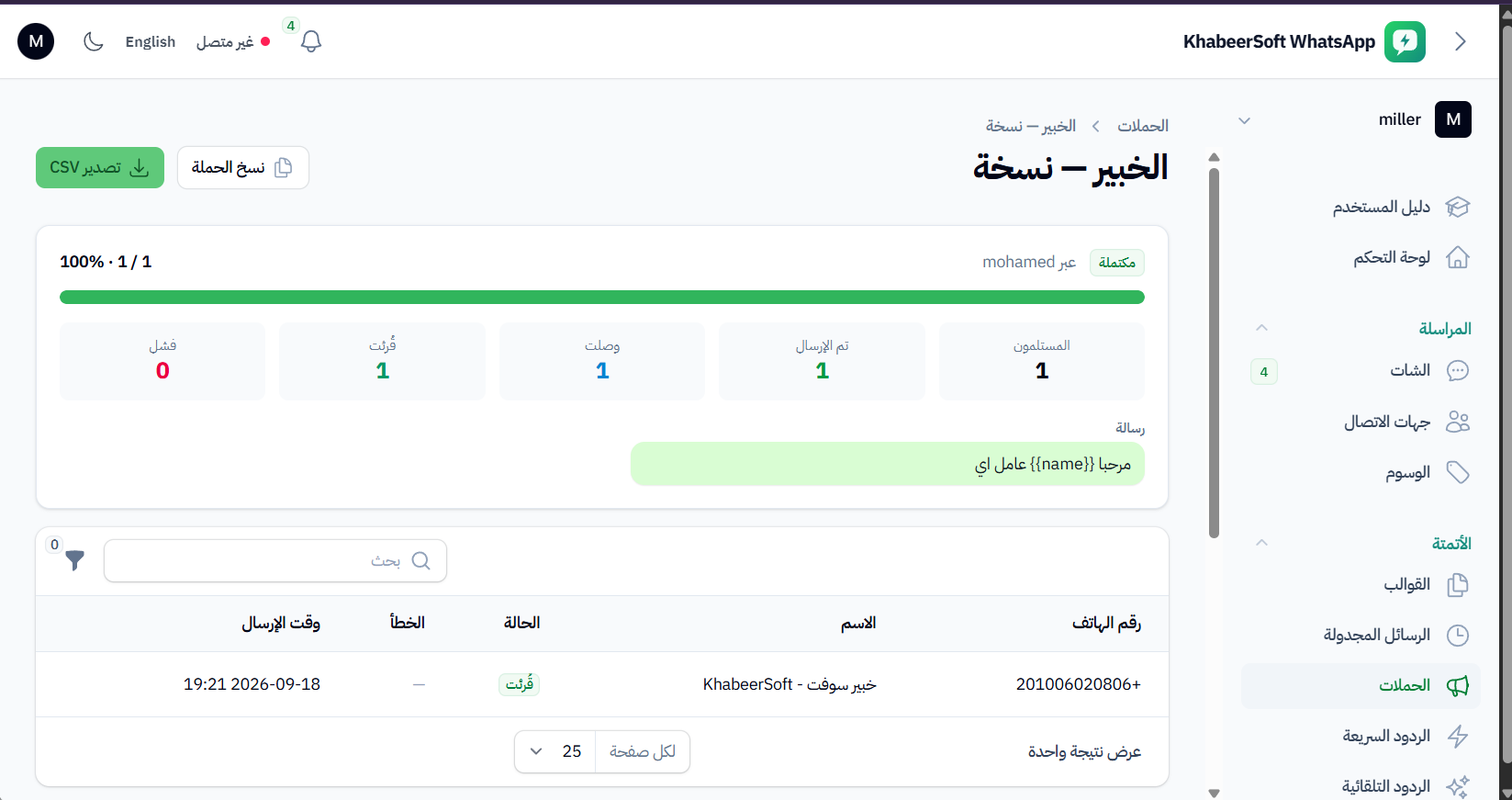
Yes. Upload or select your contacts, pick a template, and the platform queues the campaign and paces the sending automatically so the number is not hammered. Every campaign gets its own delivery report.
How do I avoid getting my WhatsApp number blocked?
Send only to people who expect to hear from you, personalise the message instead of sending an identical one to everyone, and let the built-in pacing and daily caps spread the campaign out rather than firing it all at once. Most blocks come from cold lists, not from volume.
How many WhatsApp messages can I send per day?
Each plan carries a monthly message allowance plus a daily cap, and every number has an hourly cap on top of that. The monthly figure is on the pricing table above; tell us your sending pattern and we will set the daily and hourly caps to match it.
Can I send WhatsApp messages from an Excel file?
Yes. Import your contacts from Excel (.xlsx), OpenDocument (.ods) or CSV, map the columns to name, number and any custom field, then run a campaign against them. The custom fields can be used to personalise each message.
Do I have to keep my phone switched on and online?
No. Once the QR code is scanned the session runs on our servers, so the phone can be off or out of signal and messages keep sending. Just connect it to the internet occasionally — WhatsApp unlinks devices whose phone has been away for a long time.
How do I connect WhatsApp to my website or ERP?
Generate an API key from the dashboard and call the REST endpoint from your code. Any language that can make an HTTP request works — PHP, Node.js, Python, Laravel — and replies come back to your own endpoint as webhooks.
Can I connect WhatsApp to my Salla, Zid or WooCommerce store?
There is no ready-made plugin for any storefront. You connect it through the REST API — call it from the store's own webhooks, or wire the two together with an automation tool such as Make or Zapier. Tell us which platform you are on and we will help with the setup.
How is this different from the official WhatsApp Business API?
You link your existing WhatsApp number with a QR code — no Meta business verification, no template approval queue and no per-conversation pricing. You pay a flat monthly plan and start the same day.
Can I send OTP or verification codes over WhatsApp?
Yes. A verification code is an ordinary text message as far as the API is concerned, so there are no templates to get approved first and no wait — you call the send endpoint and the code arrives.
Can I schedule WhatsApp messages for a specific time?
Yes. Pick a date and time when you write the message and it is queued and sent then, in your account's timezone. Campaigns can be scheduled the same way.
Do you support auto-replies to incoming messages?
Yes. Keyword rules answer incoming messages automatically, and saved templates and quick replies cover the answers your team sends by hand all day.
Can several staff answer the same WhatsApp number?
Yes. The shared inbox lets the whole team work one number together, each with their own login, and every outgoing message shows which of them sent it.
Can I connect more than one WhatsApp number?
Yes. Each plan includes a number of instances, and every instance is an independent WhatsApp number with its own sessions, contacts and message history under one account.
Can I receive customer replies in my own system?
Yes. Webhooks push incoming messages and delivery or read status changes to your endpoint as signed JSON, so your system stays in sync without polling for changes.
Can I send images, PDFs and voice notes?
Yes. The API sends images, documents, audio, video, locations and contact cards alongside plain text, and the shared inbox shows everything your team sends and receives.
Is there a free trial?
There is a trial plan we open on request rather than sell — message us on WhatsApp and we will set it up so you can link a number and send real messages before you commit.
How much does it cost and how do I pay?
Plans are billed monthly by message volume and by how many WhatsApp numbers you connect, with no per-conversation charge. Prices are listed above in EGP, SAR and USD — contact us and we will set the account up for you.
Ready to automate WhatsApp?
Connect your number and send your first message in minutes.